

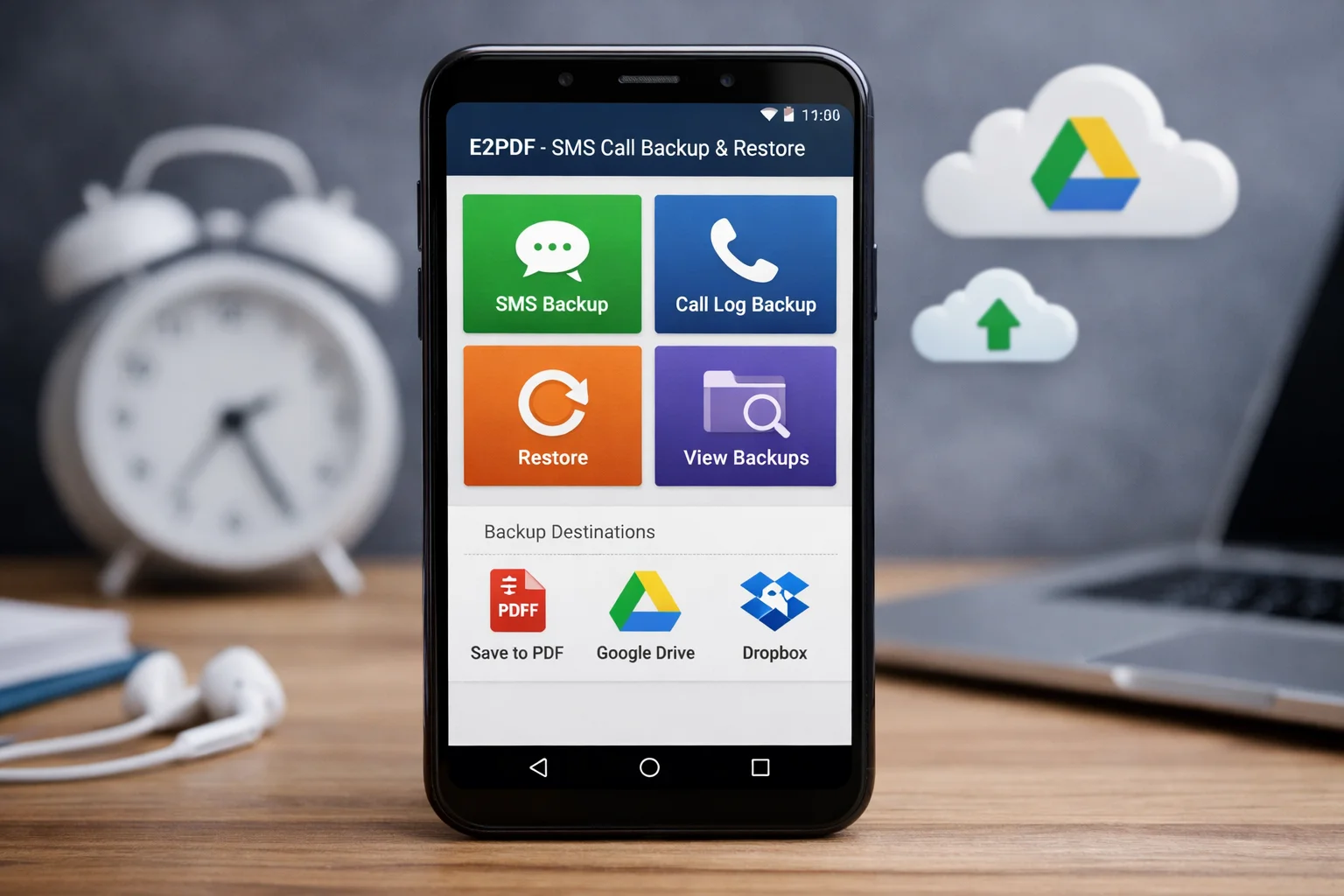
In today’s digital age, safeguarding your mobile data is paramount. Whether you’re transitioning to a new device or simply ensuring your information is secure, having a reliable backup solution is essential. Enter E2PDF, a leading Android app designed specifically for SMS and call log backups. This comprehensive guide will walk you through everything you need to know about using E2PDF for seamless data management, from basic functionalities to advanced features. By the end of this guide, you’ll be fully equipped to leverage E2PDF to its fullest potential.
Introduction to E2PDF
E2PDF is a versatile Android backup application that enables users to back up and restore their SMS and call logs efficiently. With its user-friendly interface and robust functionality, E2PDF has become a go-to solution for individuals seeking to maintain the integrity of their mobile data. Whether you’re concerned about data loss or looking to switch devices without hassle, E2PDF offers a reliable solution.
Key Features of E2PDF
SMS Backup
E2PDF allows you to create comprehensive backups of your SMS messages. The app converts your SMS data into PDF files, making it easy to view and store them securely. This feature is particularly useful for individuals who need to archive important conversations for future reference.
Call Log Backup
In addition to SMS, E2PDF offers call log backup capabilities. Users can export their entire call history, including incoming, outgoing, and missed calls, into organized PDF documents. This feature ensures that you never lose track of important call information.
Restore Options
E2PDF provides straightforward restore options, allowing users to reinstate their SMS and call logs with ease. This is particularly beneficial when switching to a new device or recovering data after a reset.
Step-by-Step Guide to Using E2PDF
Downloading and Installing
To get started with E2PDF, download the app from the Google Play Store. The installation process is quick and intuitive, requiring minimal setup.
Configuring the App
Once installed, open the app and grant the necessary permissions for accessing your SMS and call logs. This step is crucial for the app to function correctly.
Backing Up Data
- Open the E2PDF app.
- Select either “SMS” or “Call Logs” from the main menu.
- Choose the specific conversations or logs you wish to back up.
- Tap “Export” to convert the selected data into a PDF file.
- Save the PDF to your preferred storage location.
Restoring Data
To restore your data, locate the saved PDF file and use E2PDF’s restore functionality to reintegrate the information back into your device’s system.
Benefits and Advantages
E2PDF stands out due to its simplicity, efficiency, and reliability. Unlike other backup solutions, E2PDF offers a unique PDF conversion feature, enhancing data accessibility and organization. Additionally, it ensures data integrity and security, addressing common concerns about data loss and privacy.
Troubleshooting and FAQs
Common Issues
While E2PDF is generally reliable, users may encounter issues such as backup failures or permission errors. Ensuring that the app has the necessary permissions and adequate storage space can prevent these problems.
Advanced Troubleshooting
For persistent issues, consider reinstalling the app or consulting the app’s technical support for further assistance.
Comparison with Other Apps
When comparing E2PDF with other backup solutions, such as SMS Backup & Restore, E2PDF offers a distinct advantage in terms of PDF conversion and user interface. While other apps may offer similar backup capabilities, E2PDF’s unique features and ease of use often make it the preferred choice.
Conclusion and Final Thoughts
In conclusion, E2PDF is a robust and user-friendly solution for anyone looking to securely back up and restore their SMS and call logs. Its comprehensive features and straightforward functionality make it a top choice for Android users. Whether you’re safeguarding personal messages or managing business communications, E2PDF provides a reliable backup solution.
FAQ
- How secure is my data with E2PDF? E2PDF uses advanced encryption to ensure your data remains secure during the backup and restore processes.
- Can E2PDF back up MMS messages? Currently, E2PDF focuses on SMS and call logs, but future updates may include MMS support.
- Why is my E2PDF backup failing? Common causes include insufficient storage, lack of permissions, or app glitches. Ensure all permissions are granted and sufficient storage is available.
- Does E2PDF support auto-backup schedules? While E2PDF does not currently support automatic backups, manual backups are quick and easy to perform.
- How does E2PDF compare with other free apps? E2PDF offers unique PDF conversion and a user-friendly interface, making it a standout choice among free backup apps.
- Is E2PDF compatible with cloud storage services? Yes, you can save your PDF backups to cloud storage services for added security and accessibility.
- What should I do if my restore process is incomplete? Verify that the PDF backup file is intact and reattempt the restore process, ensuring all settings are correctly configured.
By utilizing the tips and strategies outlined in this guide, you’ll be well on your way to mastering E2PDF and ensuring your mobile data remains secure and accessible at all times.
