

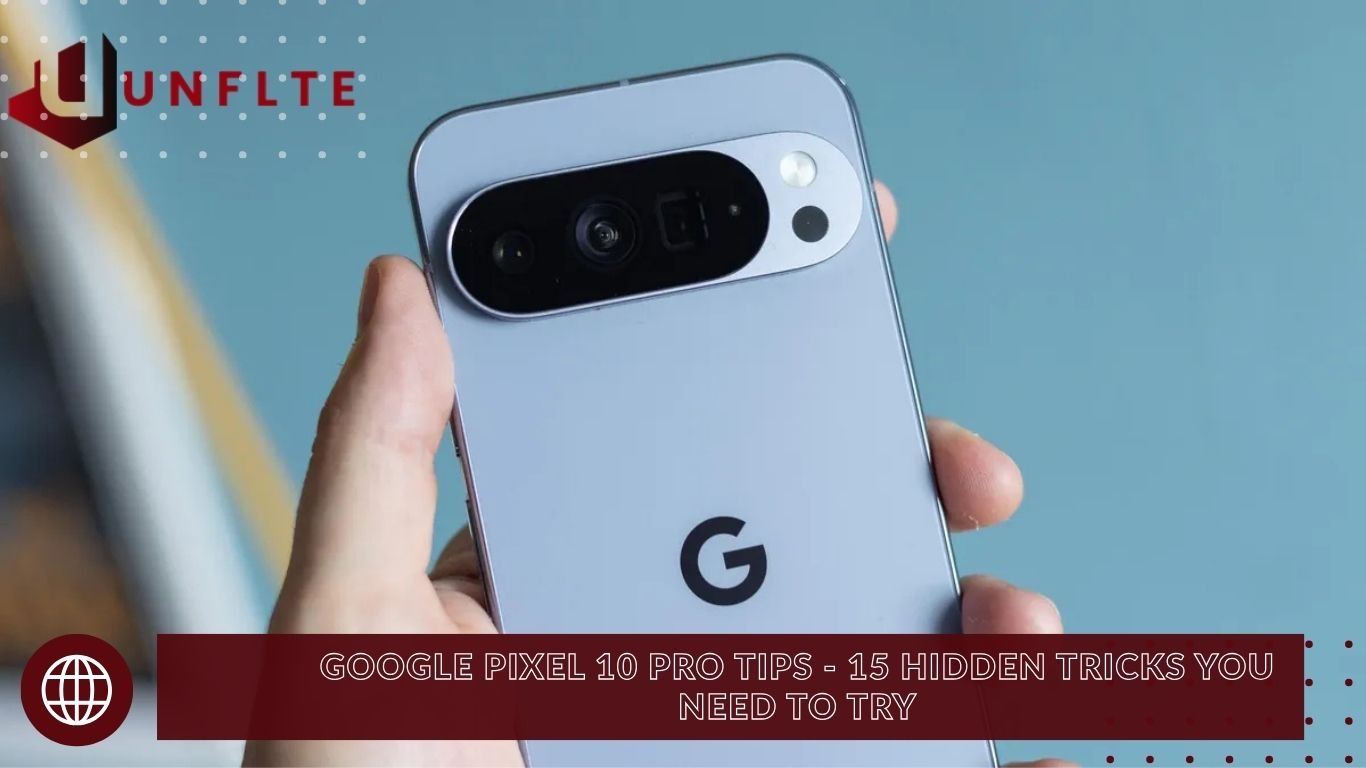
If you’ve just upgraded to the Google Pixel 10 Pro, you’re holding more than a smartphone—it’s a smart companion powered by advanced AI features. From photography and productivity to entertainment and everyday convenience, this device delivers a top-tier user experience in its class. In this guide, we’ll explore 15 essential Google Pixel 10 Pro tips and hidden tricks that you should start using from day one, with step-by-step instructions to unlock the phone’s full potential.
15 Powerful Features of the Google Pixel 10 Pro
Camera Coach – AI-Guided Photography
Open the Google Camera app and tap the AI sparkle icon (Camera Coach).
- The phone scans the scene and detects the subject (person, robot, landscape).
- Provides step-by-step guidance:
- Suggests landscape or portrait mode
- Recommends the zoom level
- Guides perfect framing and angle
Result: Capture professional-grade photos every time, no editing required.
Best Take – Perfect Group Photos
Tired of closed eyes in group shots?
- Open the photo → Edit → Actions → Best Take.
- AI analyzes all faces and recommends the best expressions
- Manually combine the best moments for a flawless group photo
Use Case: Ideal for family events, parties, and team photos.
Top Shot – Capture Every Perfect Moment
Enable Top Shot in Camera Settings.
- Captures multiple frames before and after you press the shutter.
- Pick the perfect frame from the Gallery.
Pro Tip: Great for kids, pets, and action shots – never miss the moment.
Custom Calling Cards – Personalized Caller Screen
- Open the Contacts app → Select a contact → Add Calling Card
- Add photo, custom font, colors, and background
- Enjoy a premium personalized caller screen every time they call.
Notebook LM – AI Research Assistant
The pre-installed Notebook LM app helps summarize content quickly.
- Upload PDFs, YouTube links, websites, or text
- AI generates:
- Summaries
- Key insights
- Audio briefings (podcast style)
Ideal for: Students, professionals, and researchers.
Enhanced Now Playing – Instant Song Recognition
- Go to Settings → Wallpaper & Style → Lock Screen → Now Playing → Enhance ON
- Detects ambient music and shows song title + album art on your lock screen
- History is saved, and songs can be added to Spotify/YouTube Music
Read also: india national cricket team vs england cricket team timeline
Pixel Studio – AI Image Generation
- Open Pixel Studio App
- Enter prompts like “A futuristic city at sunset with flying cars.”
- AI generates high-quality images, editable with:
- Text, stickers, custom stickers
- Full AI-powered photo editing
- Set creations as wallpapers or share them
Gemini Video Insights – Summarize Videos Fast
- Watching YouTube or online videos? Activate Gemini via the Power button or “Hey Google.”
- Say: “Summarize this video.”
- AI provides key points with timestamps
Time-Saver: Understand a 1-hour video in 2 minutes.
Live Screen Share with Gemini – Real-Time AI Assistance
- Open Gemini → Share Screen
- Ask questions in real-time, like:
- “What does this diagram explain?”
- “What is in this photo?”
Use Case: Perfect for learning science, history, or tech content.
Gemini + Gmail Integration – AI Travel & Task Assistant
- Ask Gemini: “Get my upcoming flight details.”
- Gmail scans tickets, bookings, invoices, and provides:
- Flight number, gate, timing
- Reminders automatically
Benefit: Organize travel and tasks effortlessly.
AI Writing Tools in Gboard – Proofread & Rephrase
- While typing, select the Sparkle Pen icon
- AI options:
- Proofread
- Rephrase (formal/casual)
- Elaborate or shorten
- Add emojis
Perfect for: Emails, social posts, and school assignments
Smart Select – Extract Images Anywhere
- Screenshot an image → Select Tool → Crop → Save
- Image is now a fully editable gallery
Ideal for: Quick image edits from apps that don’t allow downloads
Built-in Thermometer – Measure Objects & Body Temp
- Open the Thermometer app using the back sensor
- Measure coffee, pan, or body temperature (sync with Fitbit)
Practical Use: Health checks and kitchen monitoring
Gaming Dashboard – Pro-Level Game Tools
- Swipe down while gaming → Tap Gaming icon
- Features:
- FPS counter
- Screen recording and screenshots
- Do Not Disturb mode
Benefit: Enhance mobile gaming performance without third-party apps
Magic Eraser + Zoom Enhance – Perfect Photo Edits
- Open Photo Edit → Actions
- Magic Eraser: Remove unwanted objects (people, signs, shadows)
- Zoom Enhance: Sharpen distant shots
Result: Dramatically improved photos with minimal effort
Bonus Power Features
| Feature | How to Enable |
|---|---|
| Flip to Silence | Settings → Gestures → Flip to shush |
| Crisis Alerts | Settings → Safety → Crisis Alerts: ON |
| Heads Up | Digital Wellbeing → Heads Up: ON (walking safety) |
| Live Caption | Volume panel → Live Caption (real-time subtitles) |
| Listen to Page | Chrome → 3 dots → “Listen to this page” |
| Voice Recorder + AI Music | Record → 3 dots → Create Music (AI backing track) |
| Copy to Computer | Screenshot → Lens → Copy to Computer (via Chrome) |
Specifications-
| Feature | Details |
|---|---|
| Processor | Google Tensor G4 |
| Camera | 50MP Main + 48MP Ultra-wide + 48MP Telephoto |
| Display | 6.8″ LTPO OLED, 120Hz, 3000 nits |
| AI | Gemini Nano + Cloud Integration |
| Updates | 7 Years OS + Security |
| Unique | Thermometer, Pixel Studio, Notebook LM |
Frequently Asked Questions
What is Camera Coach on the Google Pixel 10 Pro?
Camera Coach is an AI-guided photography tool that helps you frame shots perfectly, choose the right mode, and get professional-grade photos without editing.
How does Best Take improve group photos?
Best Take analyzes faces in your photo, detects the best expressions, and lets you combine them into a perfect group shot, ideal for events or parties.
What is Top Shot, and why should I use it?
Top Shot captures multiple frames before and after pressing the shutter, allowing you to select the best moment, perfect for kids, pets, or action shots.
Can I customize my caller screen on the Google Pixel 10 Pro?
Yes! Use Custom Calling Cards to add photos, fonts, colors, and backgrounds for a premium personalized caller screen.
How does Notebook LM help with research?
Notebook LM is an AI-powered assistant that summarizes PDFs, YouTube links, and websites, highlights key insights, and even creates audio briefings for quick learning.
What is Enhanced Now Playing, and how does it work
Enhanced Now Playing detects ambient music and shows song title and album art on the lock screen. You can also save tracks to Spotify or YouTube Music.
How can I use Pixel Studio for AI image creation?
Pixel Studio lets you generate and edit AI-powered images from text prompts. You can add stickers, text, and create custom wallpapers or stickers.
Conclusion
The Google Pixel 10 Pro is more than just a smartphone—it’s a smart, AI-powered companion that transforms how you take photos, manage tasks, enjoy entertainment, and boost productivity. From Camera Coach to Magic Eraser, Gemini, and Pixel Studio, these 15 hidden tricks unlock the phone’s full potential.
