

If you’ve seen the Blend feature in Instagram and don’t fully understand it, here’s the simple answer:
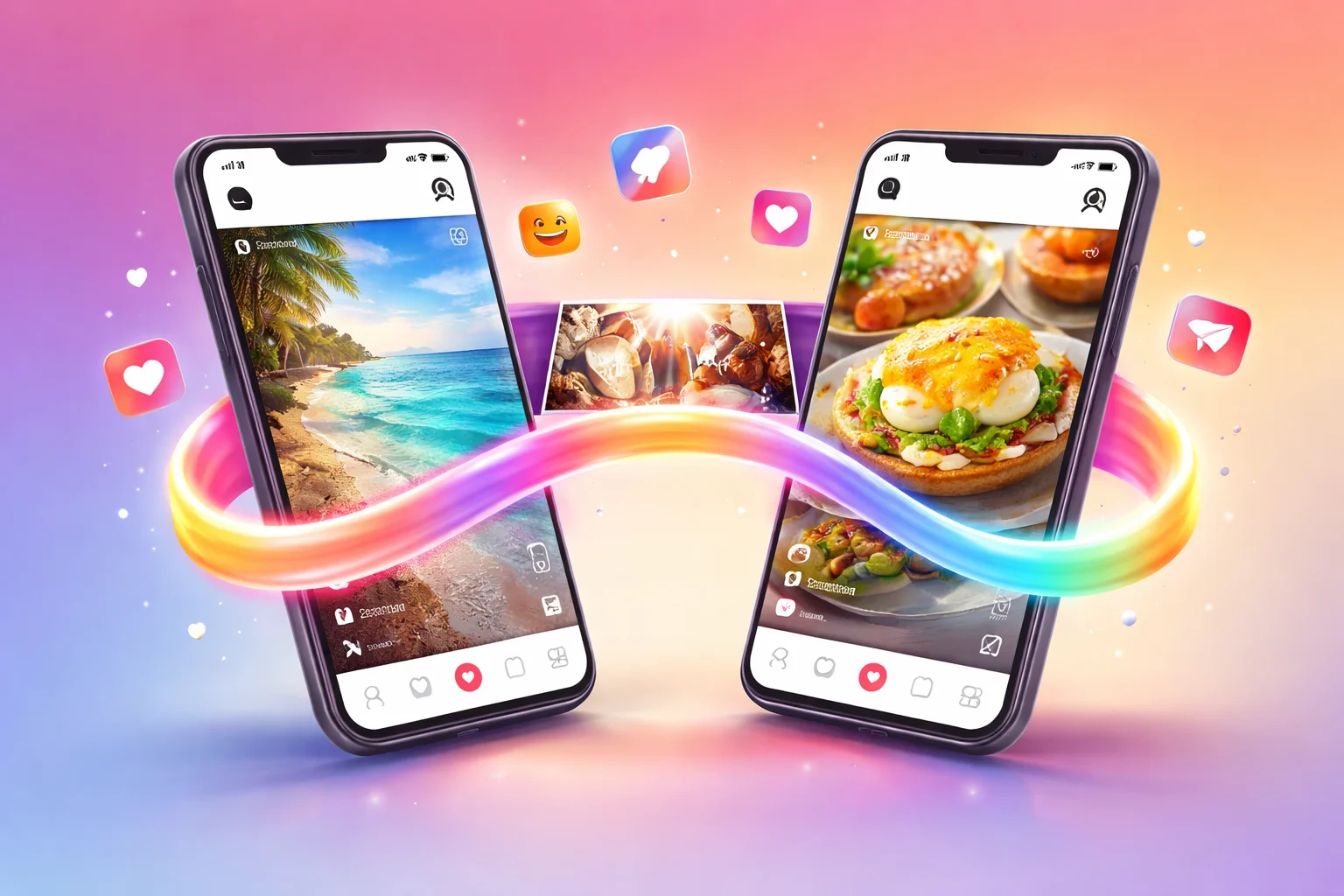
Blend in Instagram is a feature that creates a shared Reels feed between you and a friend based on your interests and activity.
It helps you discover content together and makes Instagram feel more social and personalized.
This guide explains what is blend in Instagram, how it works, how to use it, and why it matters—in simple steps.
What Is Blend in Instagram?
Blend in Instagram is a private shared space where you and a friend get a combined feed of Reels.
Instead of seeing random videos, Instagram shows content based on:
- Both users’ interests
- Reels you both interact with
- Your activity and engagement
Think of it as a joint Reels feed made just for you and one other person.
Simple Example
If:
- You like travel videos
- Your friend likes food videos
Your Blend will show:
- Travel + food + mixed content
This makes it fun to explore content together.
How Does Instagram Blend Work?
The feature uses Instagram’s recommendation system but combines data from two users.
Here’s how it works:
- Instagram tracks your likes, shares, and watch time
- It does the same for your friend
- Then it creates a shared personalized feed
What Makes It Unique?
- It’s private (only between you and the invited person)
- It updates daily based on activity
- It shows content both users may enjoy
Where to Find Blend in Instagram
You can find the Blend feature inside Instagram messages.
Steps to Find It:
- Open Instagram
- Go to DM (messages)
- Open a chat with a friend
- Look for Blend option or icon
- Tap it to start or join
If you don’t see it:
- The feature may not be available in your region yet
- Or your app needs an update
How to Use Blend in Instagram (Step-by-Step)
Using Blend is simple. You just need to invite a friend.
Step 1: Open Chat
Go to your Instagram messages and open a conversation.
Step 2: Start Blend
Tap the Blend option inside the chat.
Step 3: Send Invite
Send an invitation to your friend.
Step 4: Wait for Acceptance
Your friend must accept the invite.
Step 5: Explore Together
Once accepted, you’ll see a shared Reels feed.
What You Can Do Inside Blend
After creating a Blend, you can:
- Watch Reels together
- React to content
- Share opinions in chat
- Discover new videos
It becomes a shared entertainment space.
Benefits of Blend in Instagram
1. Discover Better Content
Instead of random videos, you get content based on:
- Your taste
- Your friend’s taste
This improves recommendations.
2. More Social Experience
Instagram becomes more interactive because:
- You watch similar content
- You discuss it instantly
3. Stronger Connection
Blend helps you connect with friends by:
- Sharing interests
- Enjoying content together
4. No Public Sharing
Everything stays private:
- Only you and your friend can see it
- No one else has access
Who Should Use Instagram Blend?
This feature is best for:
- Close friends
- Couples
- Content lovers
- People who share similar interests
If you often send Reels to someone, Blend is perfect for you.
Tips to Use Blend Effectively
Keep Your Activity Active
The more you:
- Like videos
- Watch fully
- Engage with Reels
The better your Blend feed becomes.
Use With the Right Person
Choose someone:
- With similar interests
- Who actively uses Instagram
This improves content quality.
Check Daily Updates
Blend refreshes regularly, so:
- Open it daily
- Explore new suggestions
Share Feedback in Chat
If you like a video:
- Discuss it
- React quickly
This makes the experience more fun.
Common Issues and Fixes
Blend Option Not Showing
Possible reasons:
- App not updated
- Feature not rolled out in your area
Fix:
- Update Instagram
- Wait for feature availability
Friend Didn’t Receive Invite
Check:
- Internet connection
- Correct chat
Ask your friend to:
- Update their app
- Check message requests
Blend Not Working Properly
Try:
- Restarting the app
- Logging out and back in
Blend vs Regular Reels Feed
| Feature | Blend | Regular Reels |
| Personalization | Based on 2 users | Based on 1 user |
| Privacy | Private | Public |
| Interaction | Shared | Individual |
| Experience | Social | Solo |
Blend is more interactive and personalized compared to the normal feed.
Is Instagram Blend Safe?
Yes, it is safe.
- Only invited users can access it
- No public exposure
- No data shared outside Instagram
Still, avoid using it with strangers.
Can You Leave a Blend?
Yes, you can leave anytime.
Steps:
- Open Blend
- Go to settings (inside chat or feature)
- Leave or remove
After leaving:
- The shared feed will stop
Best Practices for Better Blend Experience
- Use with active users
- Engage with Reels regularly
- Avoid ignoring content (it affects recommendations)
- Use reactions to guide the algorithm
FAQs
What is blend in Instagram used for?
Blend in Instagram is used to create a shared Reels feed between two users based on their interests and activity.
Is Blend available for everyone?
Not yet. Instagram is rolling it out gradually, so some users may not see it yet.
Can I use Blend with multiple people?
Currently, Blend works between two users only (one-on-one).
Does Blend show my activity to others?
It only reflects shared preferences, not your full activity. It stays private between both users.
How do I remove someone from Blend?
You can leave the Blend or stop it from settings inside the chat or feature.
This feature is simple but powerful. If you understand what is blend in Instagram and use it correctly, it can completely change how you discover content with friends.
