


In the digital age, managing online interactions is crucial, and VSCO, a popular photography and social networking app, is no exception. Whether you’re a seasoned user or new to the platform, understanding how to unblock someone on VSCO is essential for maintaining healthy digital relationships. In this guide, we will walk you through the complete process of unblocking on VSCO, from basic steps to advanced strategies, ensuring you have all the information you need to navigate the platform with confidence.
Understanding Blocking on VSCO
What is VSCO?
VSCO is a widely-used mobile app that combines photography editing tools with a social networking platform. Known for its minimalist design and a focus on creativity, VSCO allows users to share photos and connect with a global community. However, like any social platform, interactions can sometimes lead to the need for blocking or unblocking users.
Why Block Someone on VSCO?
Blocking on VSCO is a tool for managing your digital boundaries. It can be used to prevent unwanted interactions, protect your privacy, or manage content visibility. Understanding why you might block someone can help you decide when it’s appropriate to unblock them.
How to Unblock Someone on VSCO
Accessing Your Settings
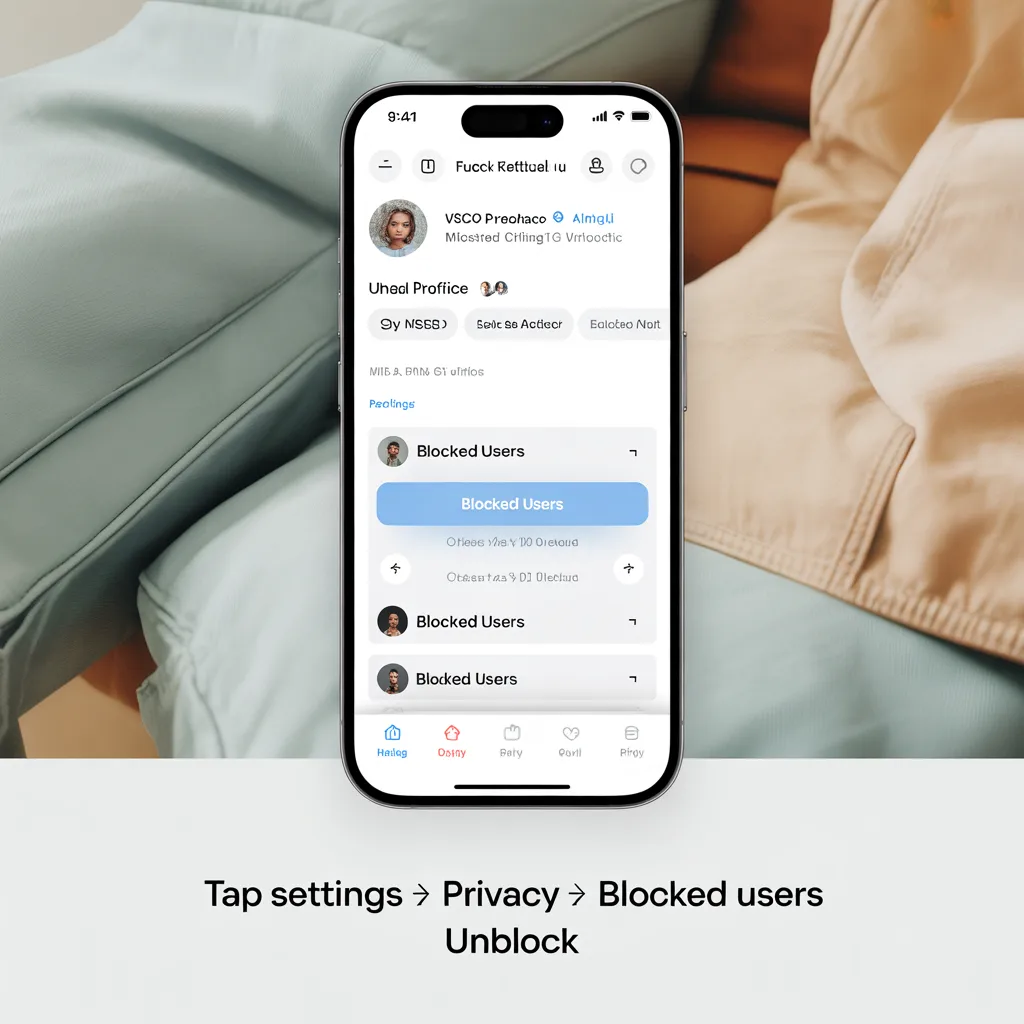
To begin the unblocking process, open the VSCO app and navigate to your profile. From there, tap on the settings icon, typically represented by a gear or three dots, to access your account settings.
Navigating to the Blocked Users List
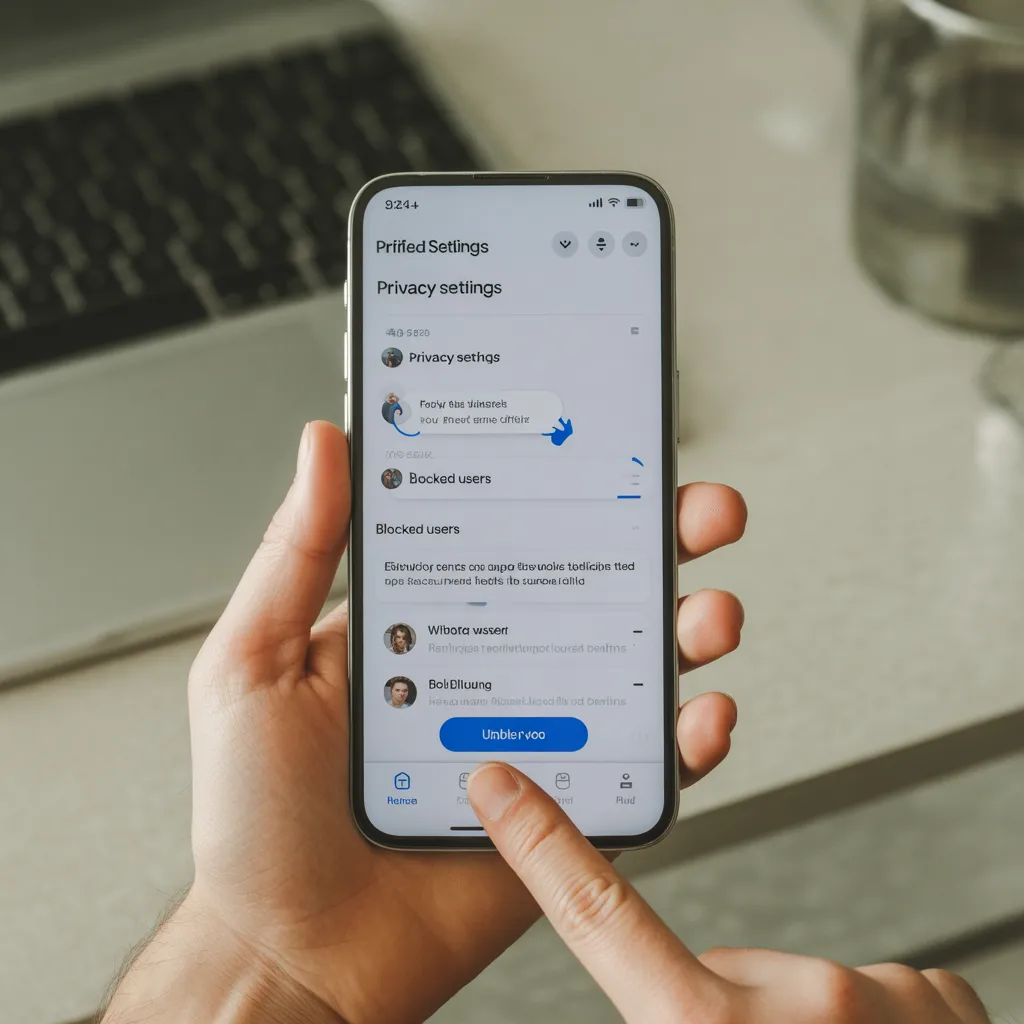
Once in the settings, look for the Privacy or Security section. Here, you should find an option labeled Blocked Users or something similar. This list contains all the users you have blocked.
Unblocking a User
Scroll through the blocked users list to find the person you wish to unblock. Tap on their profile and select the Unblock option. The user will now be able to interact with your content and profile again.
Troubleshooting Common Issues
What to Do If You Can’t Find the Blocked List
If you’re unable to locate the blocked users list, ensure your app is updated to the latest version. App updates can change the layout and settings. If issues persist, consider reinstalling the app or contacting VSCO support for assistance.
How to Contact VSCO Support
To reach out to VSCO support, visit their official website or access the support section within the app. Provide detailed information about your issue for a more efficient response.
Managing Privacy on VSCO
Adjusting Privacy Settings
Besides blocking, you can manage your privacy by adjusting who can view your content or interact with you. Explore the privacy settings to customize your experience on VSCO.
Muting Users Instead of Blocking
If you wish to limit interactions without completely blocking someone, consider muting them. This action will prevent their content from appearing in your feed while keeping the connection intact.
Expert Tips and Best Practices
To effectively manage your interactions on VSCO, consider these expert tips:
- Regularly review your blocked users list to ensure it reflects your current preferences.
- Consider the impact of unblocking on your digital relationships before making a decision.
- Stay informed about app updates that may affect privacy and blocking features.
Real-World Examples and Case Studies
Case studies highlight the importance of managing digital interactions. For instance, a user might block someone due to a misunderstanding, only to resolve it later and choose to unblock them. These real-world scenarios emphasize the dynamic nature of online relationships and the need for effective management tools.
Common Challenges and Solutions
Users often face challenges such as difficulty finding the blocked list or understanding the implications of unblocking. Solutions include staying updated with app changes, consulting support resources, and leveraging community forums for advice.
Future Trends and Predictions
As digital privacy concerns grow, platforms like VSCO are likely to enhance their privacy features. Expect more sophisticated tools for managing interactions and greater transparency in how blocking and unblocking affect user experiences.
Actionable Takeaways and Implementation Steps
- Regularly review and update your blocked users list for optimal digital management.
- Utilize privacy settings to tailor your VSCO experience according to your preferences.
- Stay informed about app updates to leverage new features and improvements.
Frequently Asked Questions
- How do I see who I blocked on VSCO?
Access your settings, navigate to the Privacy section, and view the Blocked Users list. - Can someone tell if you unblock them on VSCO?
No, users are not notified when they are unblocked. - What happens when you unblock someone on VSCO?
They regain the ability to interact with your content and profile. - Why can’t I unblock someone on VSCO?
Ensure your app is updated and check for any technical issues that may need troubleshooting. - Can I see a list of blocked users on VSCO?
Yes, within the Privacy settings under the Blocked Users section. - How do I manage my privacy settings on VSCO?
Access the settings menu and navigate to Privacy to adjust who can see and interact with your content. - What are the alternatives to blocking on VSCO?
Consider muting users to limit interactions without fully blocking them.
Conclusion
Unblocking on VSCO is a straightforward process that can significantly impact your digital relationships. By understanding the steps involved and the broader implications of these actions, you can better manage your online presence. Stay informed about the latest app updates and utilize the available privacy tools to maintain a positive experience on VSCO. For further assistance, don’t hesitate to reach out to VSCO support or explore community resources for additional guidance.
